Free Memory Games





Free Reaction Games


Wordle Unblocked: Play the Ultimate Word Guessing Game Anywhere
Wordle Unblocked is a word puzzle that challenges you to recognize letter patterns, recall familiar words, and use clues to find a hidden answer.
It's a simple game that makes you think. Each guess involves remembering previous clues, considering possible words, and deciding what to try next. Play Wordle online for free and enjoy a quick vocabulary challenge whenever you have a few minutes.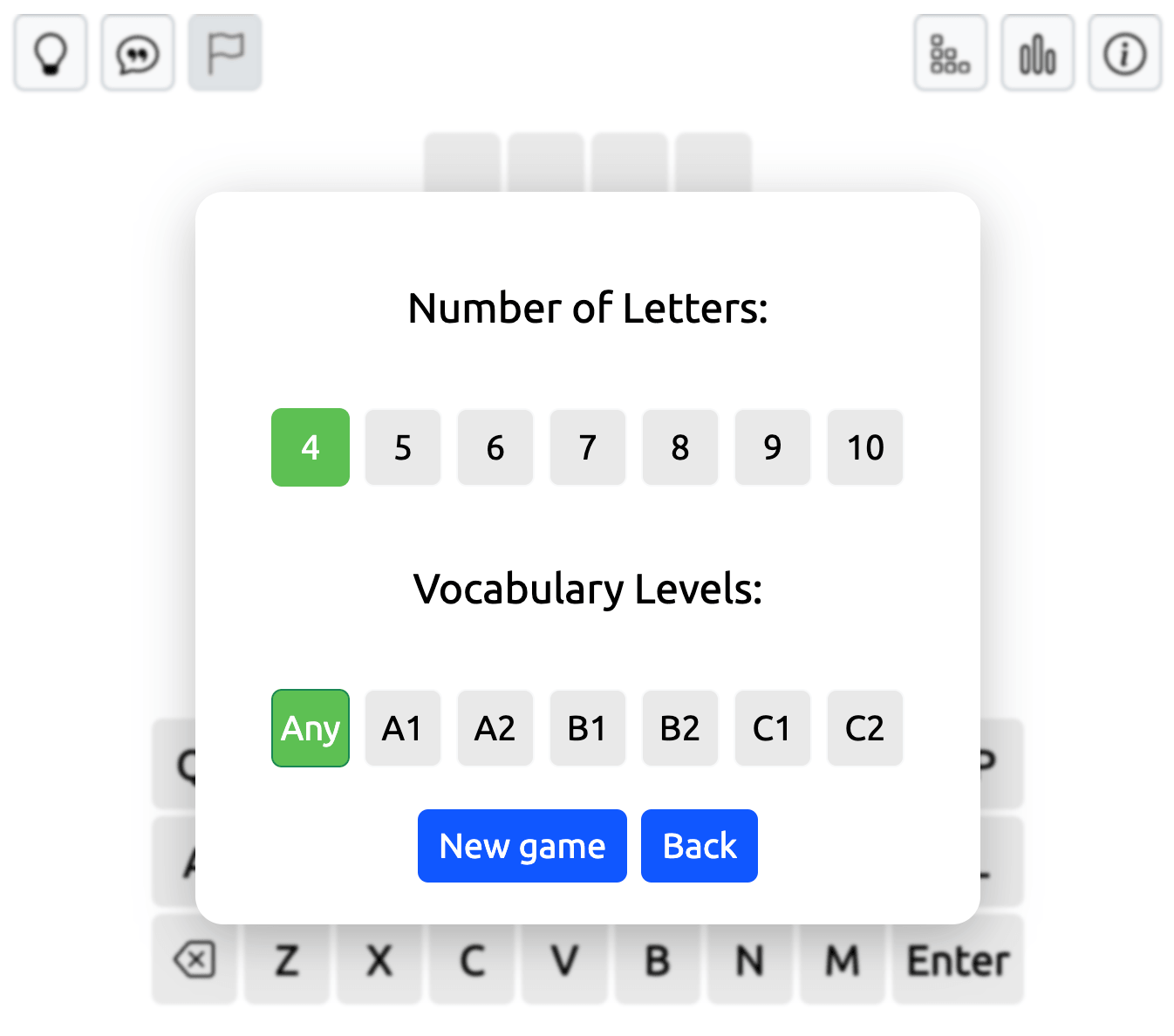
Type a valid word and press Enter to submit your guess. The letter tiles will change color to show how close you are to the answer.
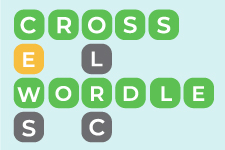
A green tile means the letter is in the correct position. Yellow indicates that the letter appears in the word but belongs somewhere else. Gray means the letter isn't part of the answer, taking repeated-letter rules into account.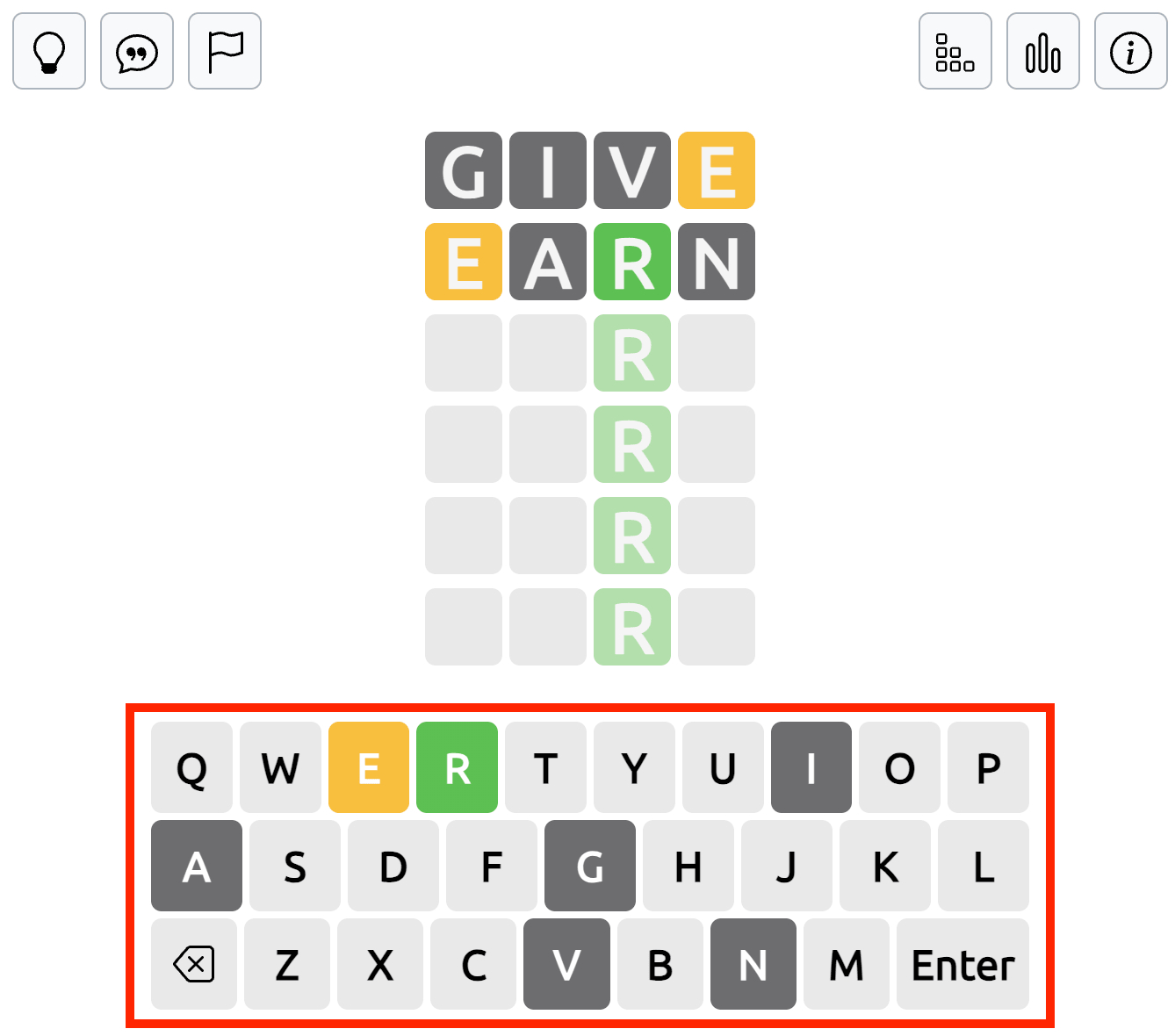
Use this feedback to narrow down the possibilities until you discover the hidden word.
Use Wordle Hints When You Get Stuck
If you're struggling to find the hidden word, the hint buttons in the top-left corner of the game field can help.
Open One Letter lets you select a position in the word and reveal the correct letter. This can help you identify possible answers when several combinations seem to fit.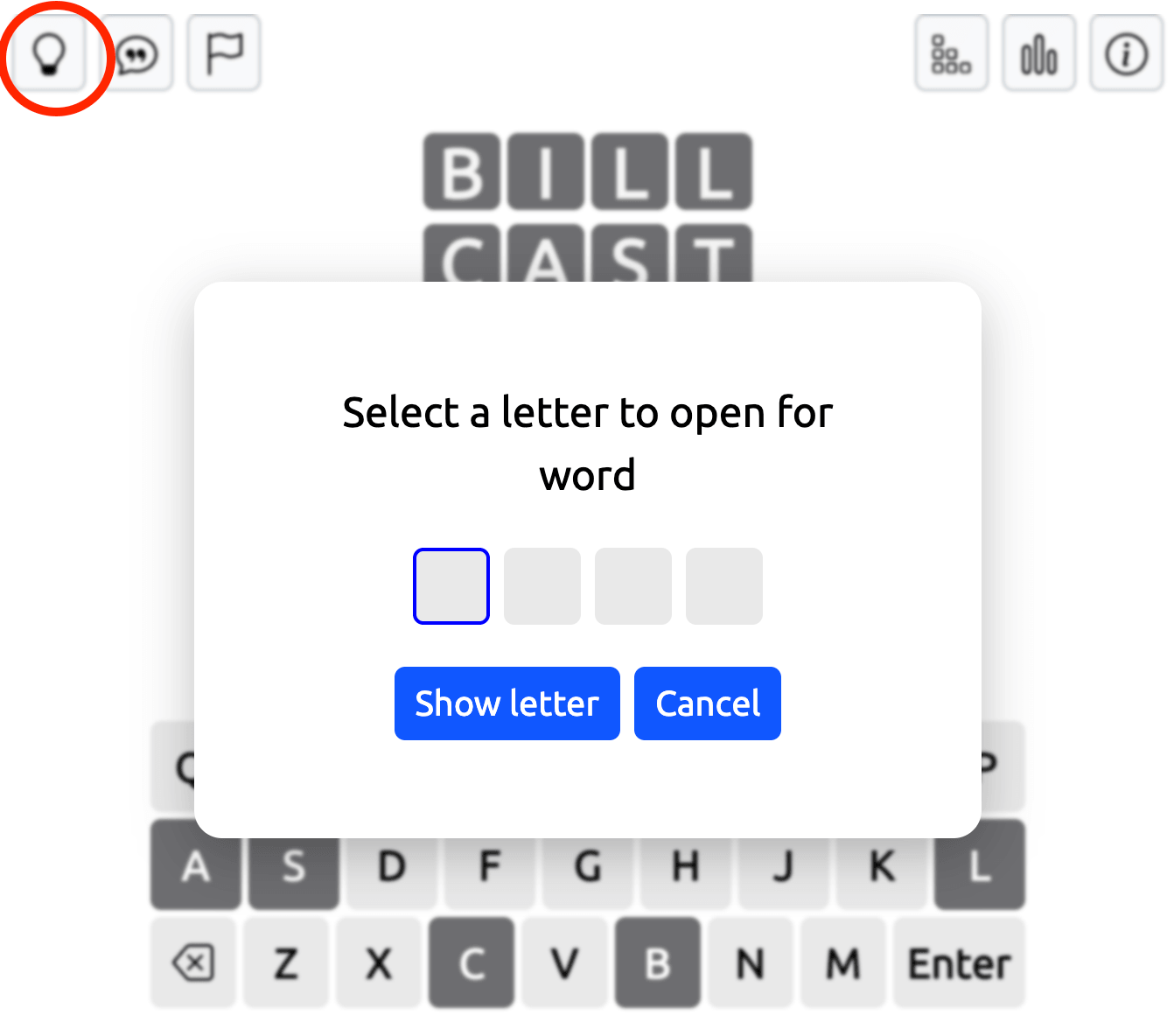
The Sentence Hint, marked with a speech bubble icon, displays an example sentence containing the hidden word. Reading the sentence gives you contextual clues that may help you recall the answer.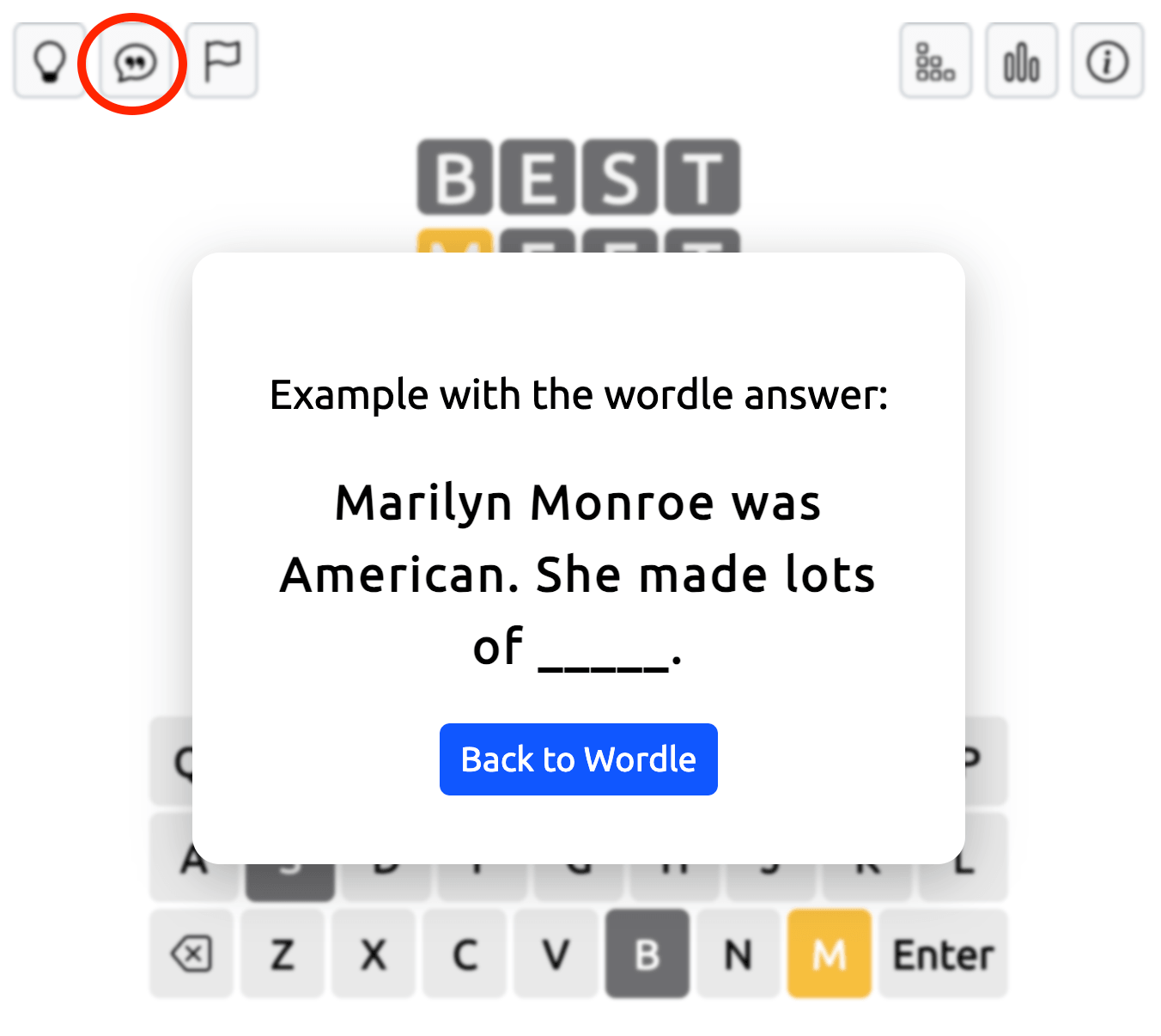
You can also use the flag button to give up the current puzzle and start a new game.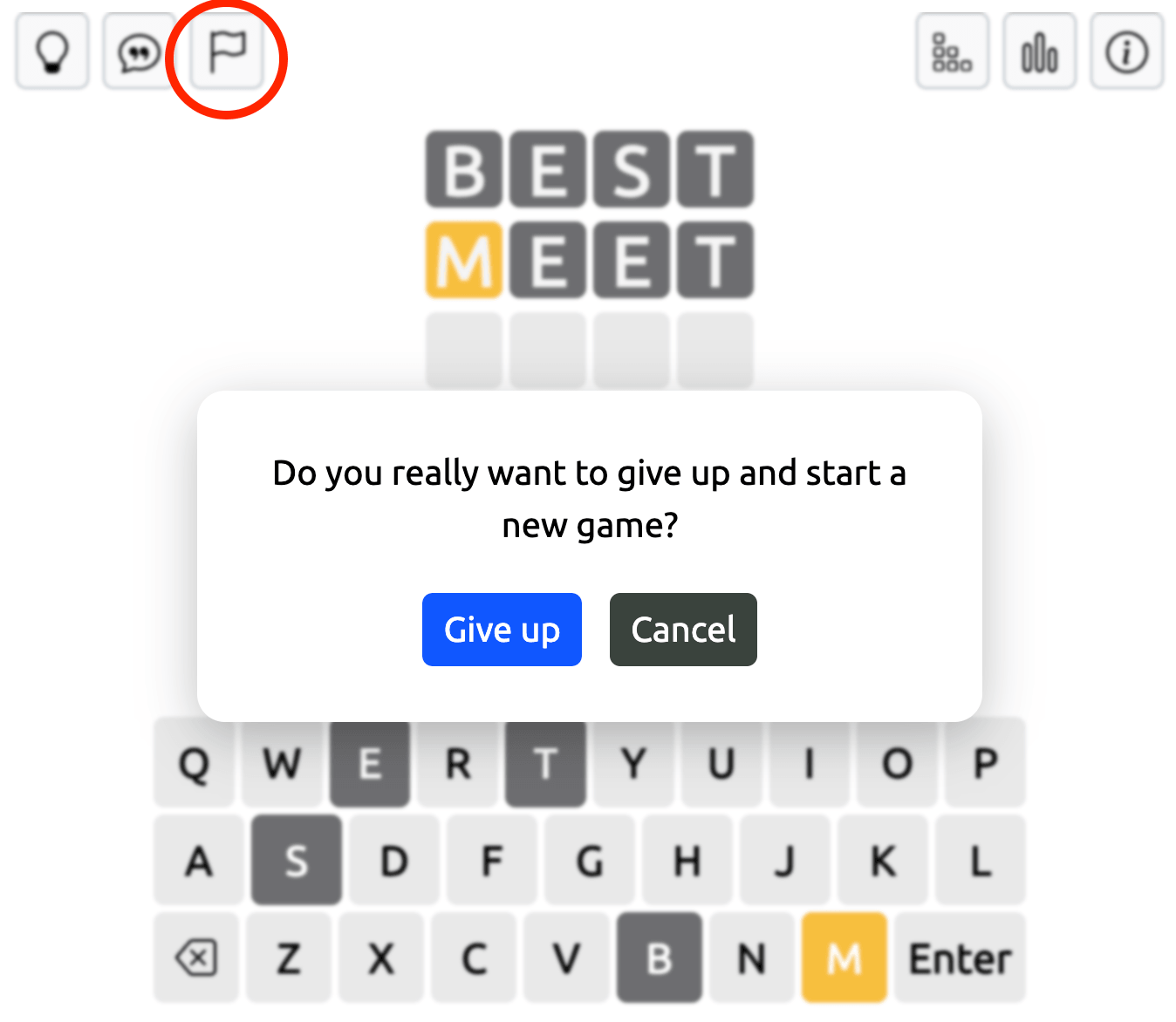
Change Game Settings and Check Your Progress
The buttons in the top-right corner of the Wordle game field provide access to additional options.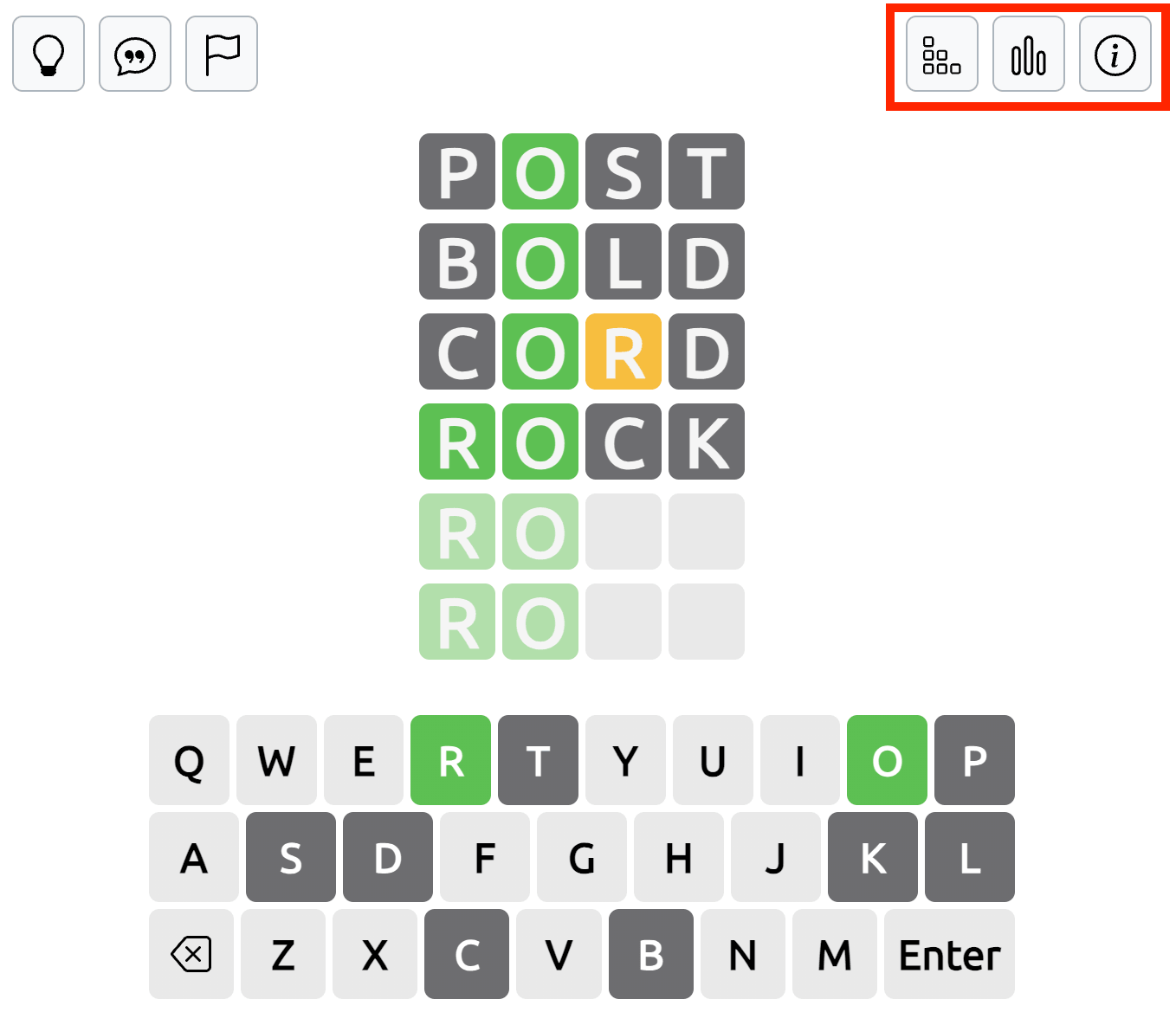
Settings allows you to change the number of letters, select a difficulty level, and begin a new puzzle. The Statistics button shows your game records, while Rules provides a short explanation of how the game works.
When you guess the word correctly, a You Won window appears with your Best Word, Best Word Streak, Day Streak, and Best Day Streak.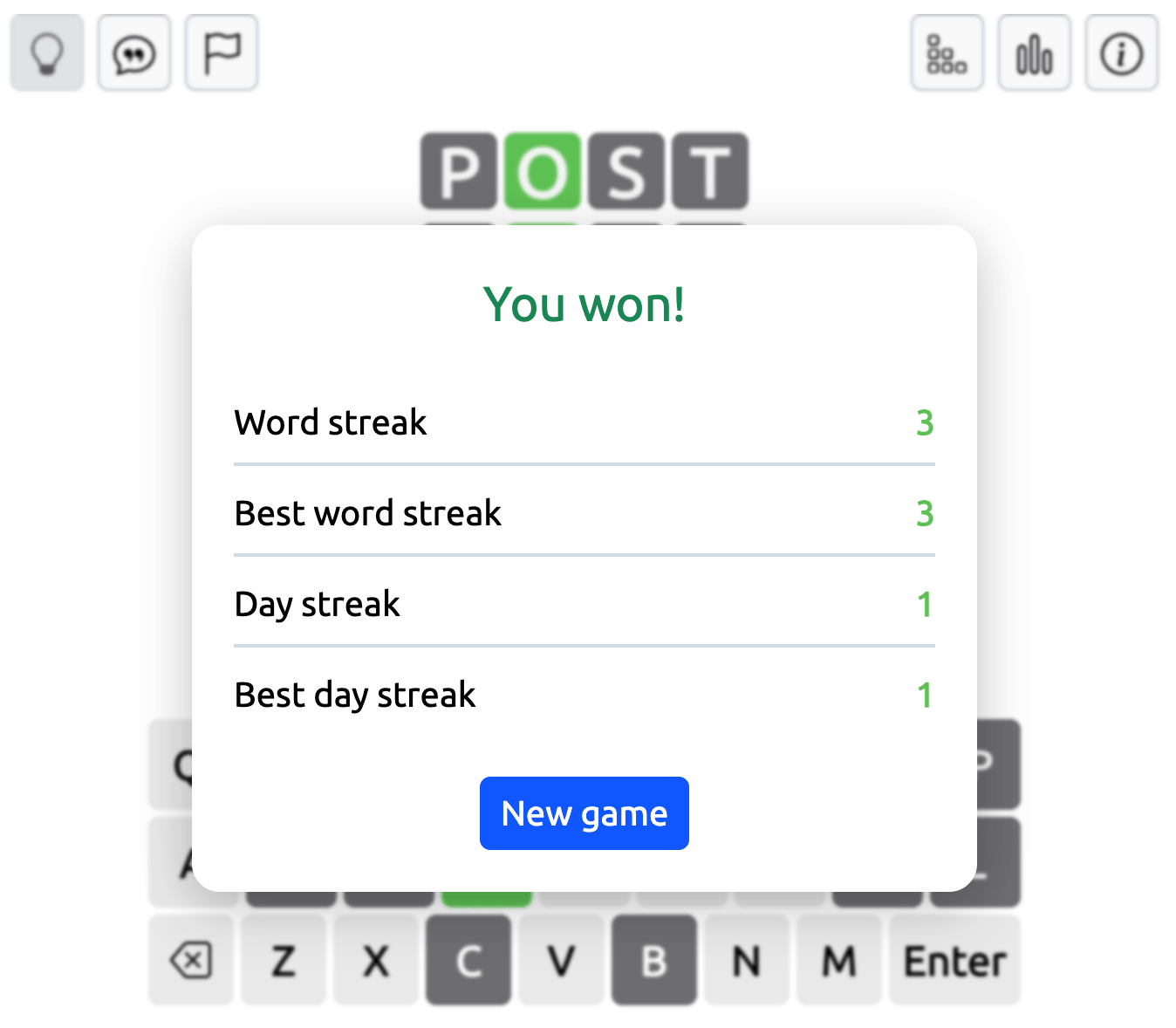
If you run out of attempts, the You Lost window reveals the correct answer.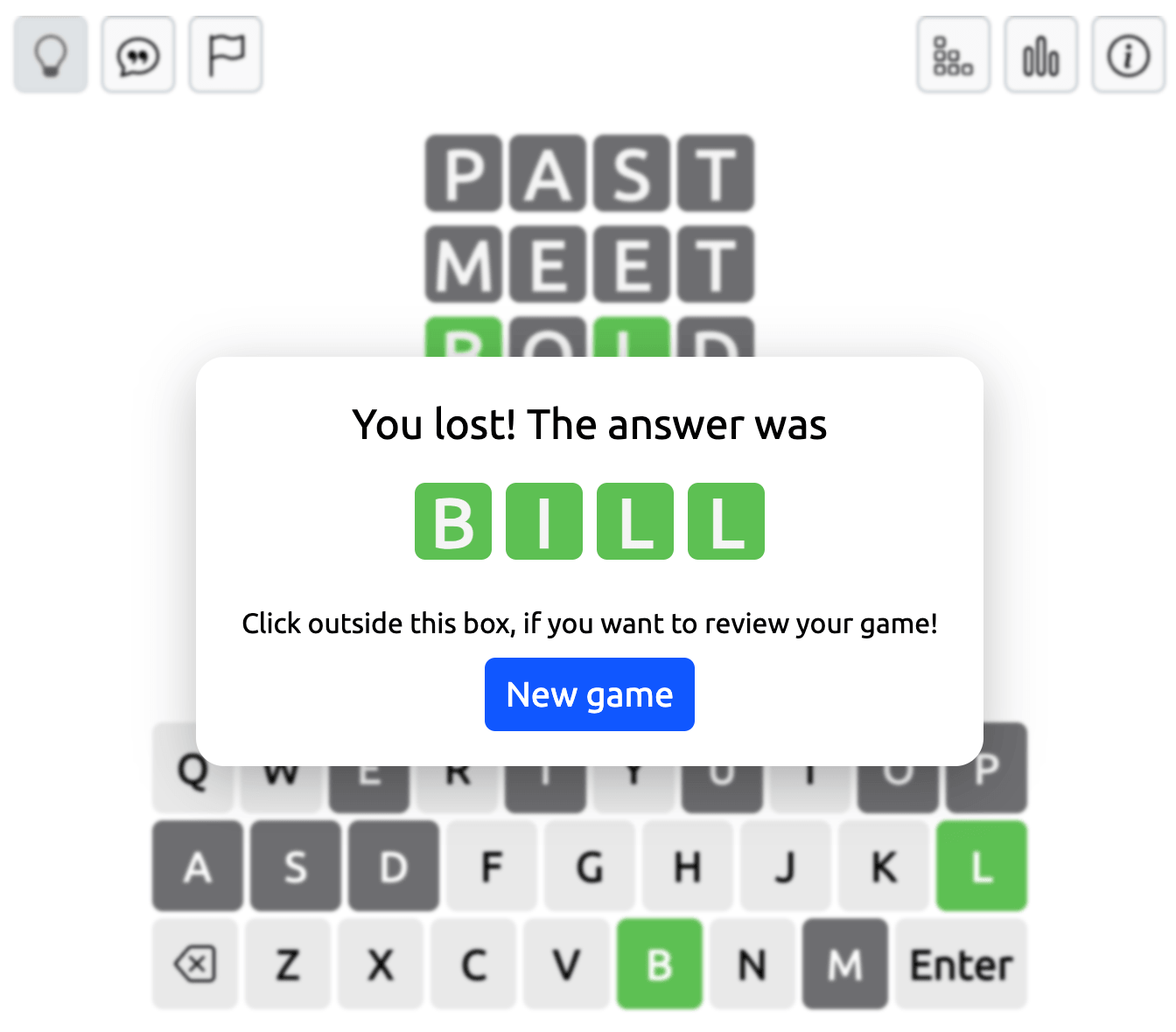
Wordle Strategies for Better Guesses
Choosing a useful starting word can make the rest of the puzzle easier. Try beginning with common vowels and consonants to gather information about the hidden answer.
As you receive clues, think about familiar spelling patterns and possible word endings. For example, combinations such as CH, SH, TH, and ST can help you recognize potential answers when the available letters fit.
Instead of guessing randomly, consider what each new word will tell you. A guess that tests several unused letters may be more useful than one that repeats information you already know.
If you can't remember a word that fits the clues, take another look at the letters you've confirmed. Sometimes changing your approach or using a sentence hint can help you recognize a word you initially overlooked.
A Great Workout for Your Memory
While it might seem like just a fun vocabulary test, Wordle is actually an excellent exercise for your brain. It engages your working memory as you hold letters in your mind and shuffle them to form potential words. By actively recalling spelling patterns and letter frequencies, you strengthen your linguistic memory and problem-solving skills with every single round. Also, you may want to have a look on other memory games from our collection.
Gaming is a fantastic way to boost cognitive function, relieve stress, and have fun at any stage of life. Our unblocked games are carefully categorized to help you find the exact type of mental stimulation you need. Younger players can develop essential problem-solving and memory with our games for Kids. For those seeking deeper strategic gameplay and a way to get rid of stress after a long day and improve memory, our highly engaging titles for Adults hit the mark perfectly. Additionally, we feature a wonderful variety of accessible, memory-training classics like Solitaire and Spider Solitaire, specially curated for Seniors who want a fun way to keep their memory sharp.
Discover More Unblocked Games on Our Site
Looking for a mental break or a fun way to pass the time? Our site features a fantastic collection of free unblocked games that you can play instantly in your browser, bypassing typical network filters.
Of course, you can test your spelling with Wordle, but if you want to double the difficulty, try guessing two distinct words at once in Dordle. If you prefer a visual and spatial challenge, clear the board in Block Blast or test your logical planning with the Combinations game. If you want an offline classic brought online, jump over obstacles in the retro Dinosaur Game and other great titles. There is a perfect game waiting for every type of player!
Frequently Asked Questions (FAQ)
What is the best starting word for Wordle?
The best strategy is to use a starting word rich in vowels and common consonants to quickly eliminate letters. Popular starting words include ADIEU, STARE, CRANE, and AUDIO.
Why is it called Wordle Unblocked?
"Unblocked" means this version of the game is hosted on a secure server designed to bypass common network restrictions, allowing you to play freely on Wi-Fi networks at schools, offices, or libraries without downloading any apps.
What other memory games are there?
If you love the brain-training aspect of word puzzles, you might be wondering: What other memory games are there? You can stretch your working memory with 2048, which requires you to track numbers across two separate grids simultaneously. If you want to test your visual and spatial recall, Squares is an excellent choice. Card games classics like the Solitaire and Spider Solitaire also demand pattern recognition, logic and prediction. Finally, Minesweeper is a brilliant test of logic and short-term memory, as you must remember the exact layout of hidden hazards based purely on numerical clues.